
New and overseas users enjoy temporary exemptions, while used non-PTA devices must be registered after grace period. Thousands of Pakistanis continue to get iPhones, and other high end devices from abroad or through local markets without understanding Pakistan Telecommunication Authority (PTA) registration rules.
While many believe they must visit a bank or government office to approve their devices, the entire process can now be completed online or through a simple SMS service from home. Here’s everything users need to know about PTA phone registration, eligibility, temporary exemptions and tax payment.
According to the registration procedure, users who bring a new or unused non-PTA smartphone into Pakistan can use the device without PTA approval for up to 60 days. The same facility also applies to phones imported from abroad that have never previously been activated in Pakistan. However, if a user purchases a used non-PTA phone whose 60-day grace period has already expired, the device must be registered with PTA immediately. Otherwise, cellular network services will stop working.
Save Money by Paying Taxes using Passport
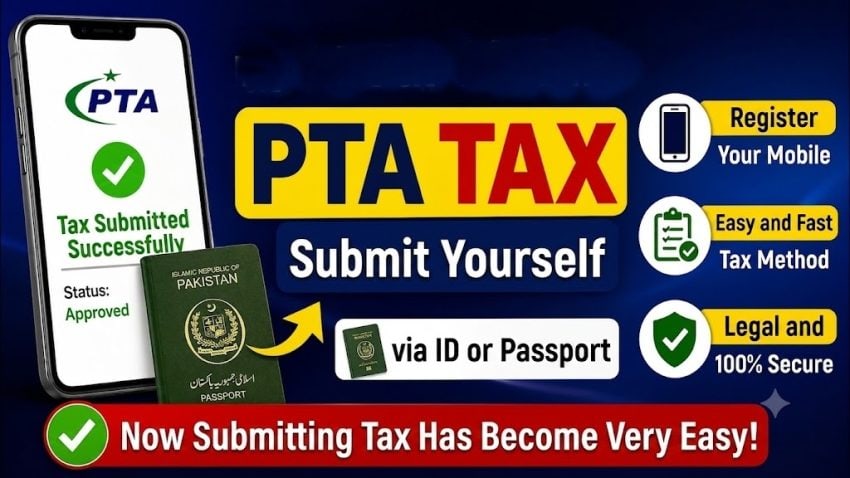
Users who entered Pakistan within previous 30 days can register their phones using their passport, which generally offers around 20% lower PTA tax compared to registration through a CNIC. PTA tax varies depending on the phone model but remains the same across storage variants, meaning devices with 256GB, 512GB or 1TB storage attract identical tax for the same model.
Register Phone through SMS
PTA offers an SMS-based registration service that allows users to submit applications without visiting any office. Applicants first need to note down all IMEI numbers of the device and then dial *8484# from another mobile phone.
- Select region.
- Choose passport or CNIC registration.
- Enter their CNIC (if applicable).
- Select whether the device supports single, dual or triple SIM.
- Enter all IMEI numbers.
- Verify the submitted information before confirming the application.
After submission, applicants receive SMS notifications containing:
- Login credentials.
- Application tracking number.
- Phone model.
- IMEI details.
- Applicable PTA tax.
- Payment Slip ID (PSID).
PTA Tax Fee
Once the PSID is generated, users can pay the customs duty through digital payment platforms such as:
- JazzCash
- Easypaisa
- Mobile banking applications
The payment can be made under the Government Payments section by selecting FBR, entering the PSID and confirming the transaction.
Wait for 48 Hours or longer
After making payment, PTA approval is generally completed within two to 48 hours. Users receive a final SMS confirming that customs duty has been paid and their mobile device has been officially approved for use on Pakistani mobile networks.
Users can alternatively register their devices through PTA’s Device Identification Registration and Blocking System (DIRBS) portal. After creating an account and signing in, applicants can complete either permanent registration or, in the case of overseas Pakistanis, select the Temporary Registration option by providing passport details, arrival and departure dates, SIM information and IMEI numbers.
Temporary registrations for eligible overseas Pakistanis are processed without any registration fee. Authorities advise applicants to verify their CNIC, passport details and IMEI numbers carefully before submitting an application, as even minor errors can delay or invalidate the registration process.